Can I add a cash expense when I do not have a receipt?
A cash purchase at a weekend market or lunch paid by a friend may leave no digital trail. Add the expense by hand, choose a category and keep it with the rest of your ledger.
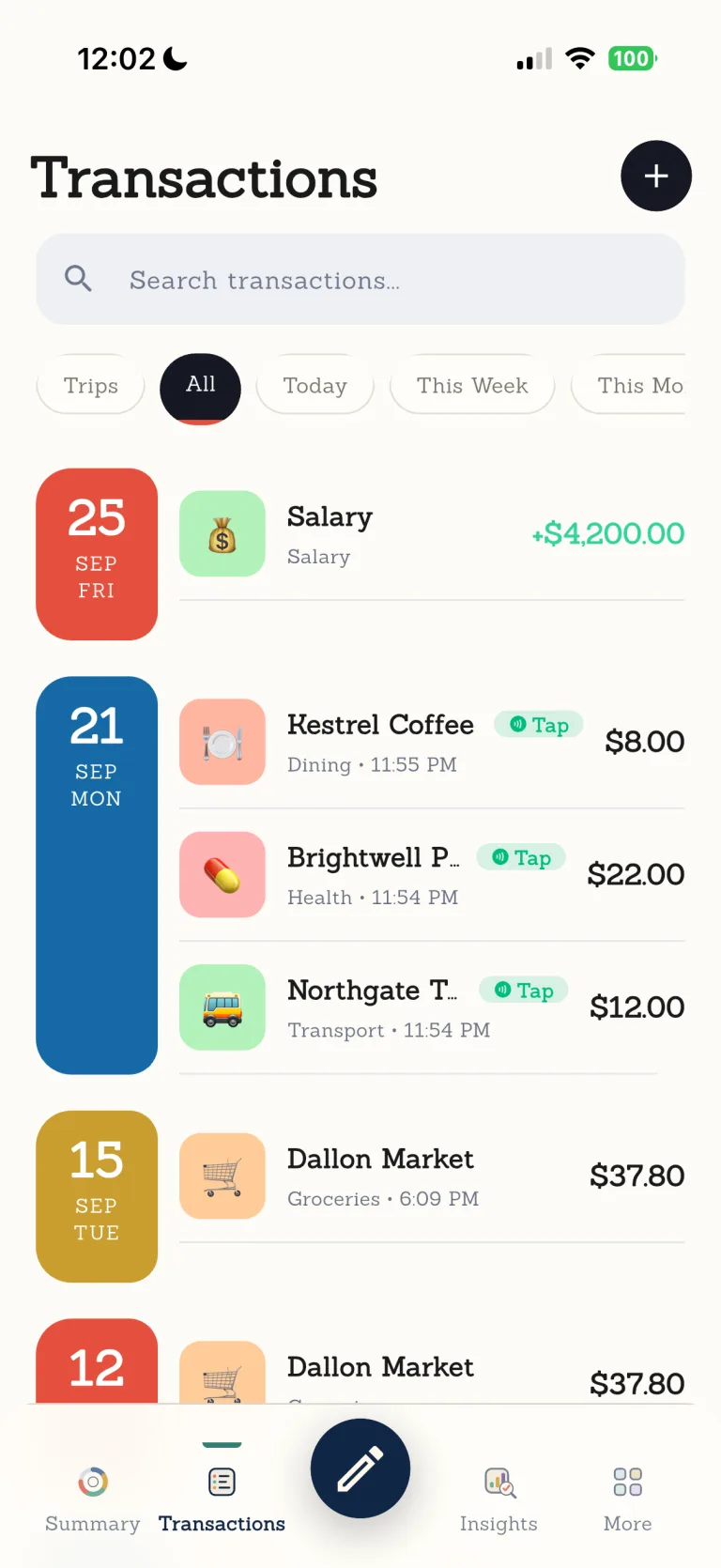

Life uses more than one way to pay. When automation has nothing to catch, manual entry remains a direct and dependable doorway into your ledger.

Ordinary days are worth keeping.
From a coffee on the commute to groceries on the way home, Dolly helps put the small purchases of real life in order.
Every step leaves room for you to check.
- 01
Open a new record
Start adding an expense from your Dolly ledger.
- 02
Enter the purchase
Add the amount and other details you need.
- 03
Choose a category
Use the category that fits your own organization.
- 04
Review and save
Confirm the record and return to it later if needed.
Know where this feature fits best.
Works well for
- Cash and purchases without receipts
- Manual expense entry
- Expense categories
Good to know
- Automatic capture of every cash payment or transfer
- An official banking record
- Saving without your confirmation
Manual expense entry
Can I use Dolly with manual entry only?+
Yes. Apple Pay, receipt scanning and statement import are optional ways to reduce typing.
Can I record cash purchases?+
Yes. Manual entry works regardless of payment method.
Are AI features required?+
No. You can use the core ledger without AI features.
Do I need to connect a bank?+
No. Records are added to the Dolly ledger on your device.