Can I organize cards without storing card numbers?
When one card is for everyday purchases and another is for travel, a name you recognize is enough. Dolly stores the nickname and settlement currency you choose, not the card number, last four digits or bank login details.
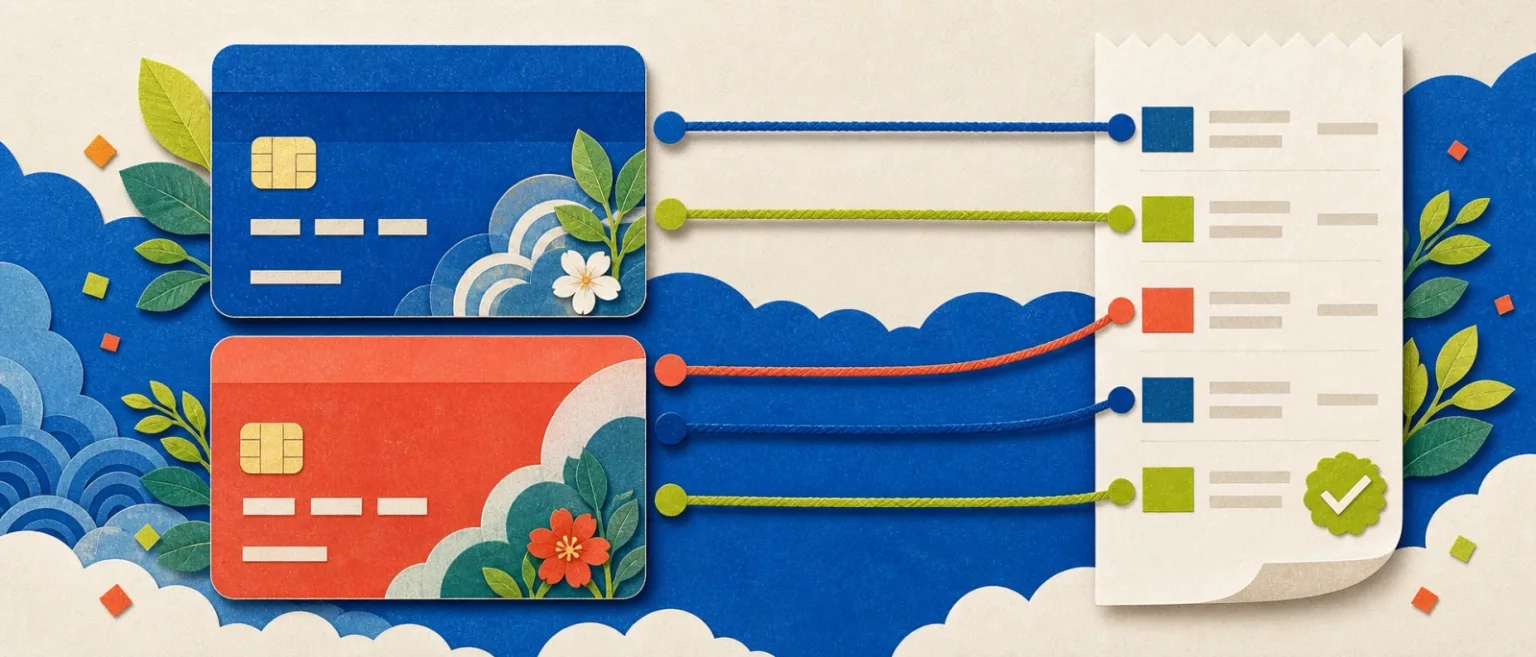
Clear payment methods make a ledger easier to check, without asking you to hand sensitive card details to another expense tracker.

Ordinary days are worth keeping.
From a coffee on the commute to groceries on the way home, Dolly helps put the small purchases of real life in order.
Every step leaves room for you to check.
- 01
Add a clear nickname
Use names such as Everyday or Travel.
- 02
Choose the settlement currency
Give each payment method the right currency context.
- 03
Attach it to purchases
Select the payment method when recording a purchase and filter later.
Know where this feature fits best.
Works well for
- Your own card nicknames
- Settlement currency
- Organization by payment method
Good to know
- Card number, last four digits or security code
- Bank login details
- Reading a bank's complete transaction history
Payment methods
Does Dolly store my card number?+
No. Dolly stores only the nickname, settlement currency and necessary local record fields.
Can I connect a bank?+
No. Avoiding bank connection is a deliberate product choice.
Where are payment methods stored?+
They are stored with your ledger on your device.