Can an expense tracker log eligible in-store Apple Pay payments?
The purchase you are most likely to forget is often the one you made a minute ago at the supermarket or corner shop. After a one-time iPhone Shortcut setup, Dolly can log eligible in-store Apple Pay contactless payments automatically. In-app, online and ineligible payments are not captured.
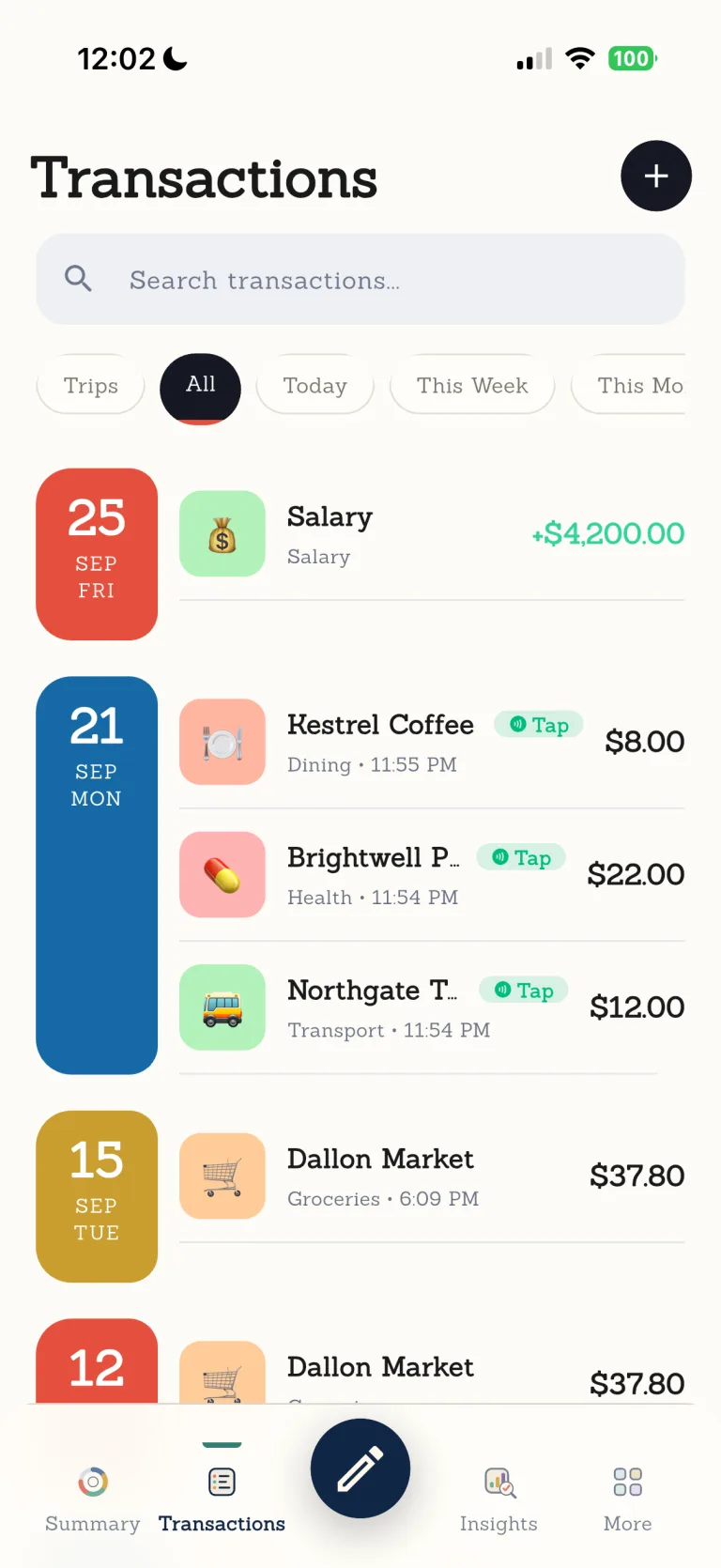

You do not have to stop and type while you are out. Check the merchant, category and trip later, and edit or delete the record if you need to. Dolly catches the loose end; you keep the final say.

Ordinary days are worth keeping.
From a coffee on the commute to groceries on the way home, Dolly helps put the small purchases of real life in order.
Every step leaves room for you to check.
- 01
Complete the one-time setup
Follow the guide in Dolly to create the iPhone Shortcut automation.
- 02
Pay in a shop
Use an eligible card for an eligible in-store Apple Pay contactless payment.
- 03
Dolly logs the payment
Dolly receives a record with the amount, time and payment method.
- 04
Adjust it when you like
Edit the merchant or category, or delete the record, at any time.
Set up the Apple Pay Shortcut in nine screens.
The screens are in English. Labels can vary slightly by iOS version.
- 01
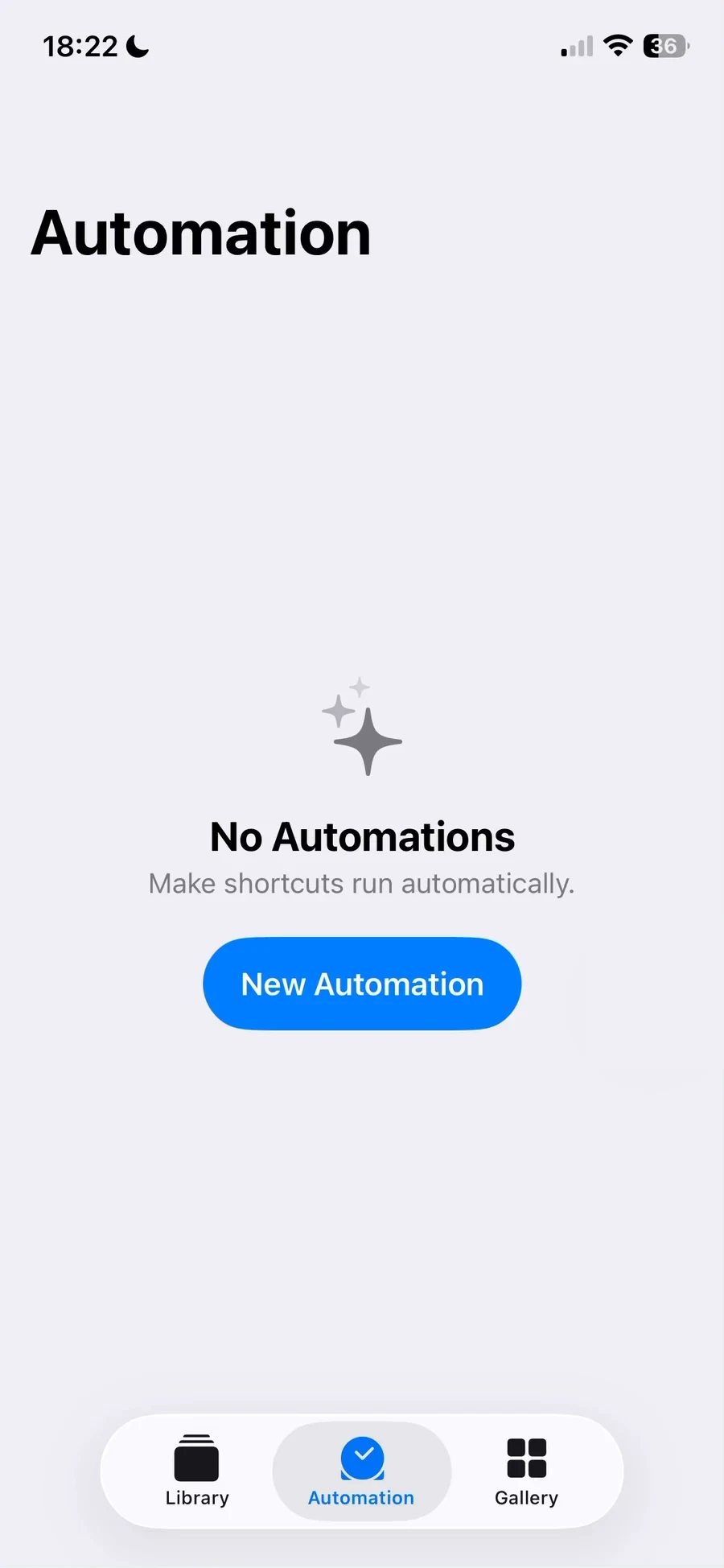
Open Automations in Shortcuts
In the Shortcuts app, open Automations and add a personal automation.
- 02
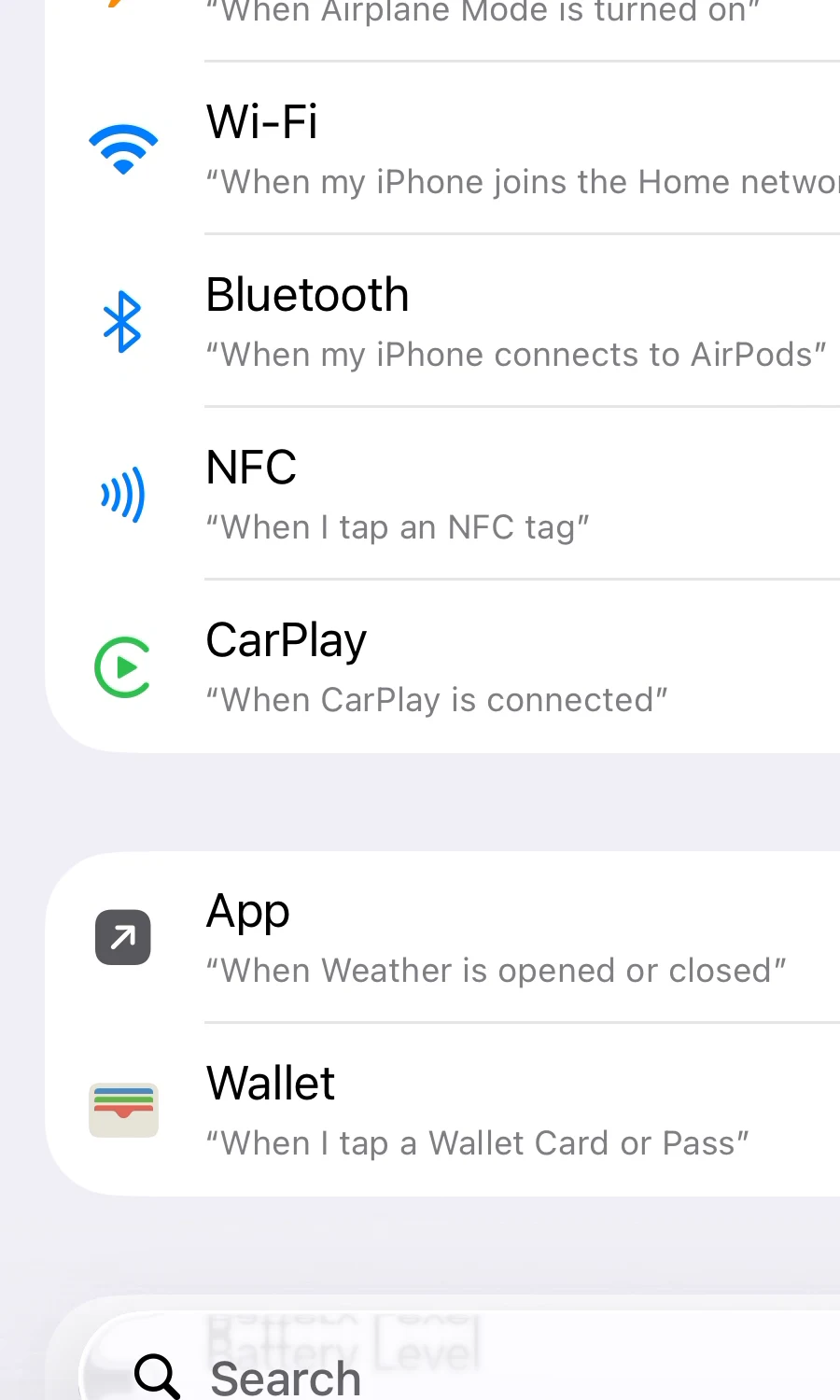
Choose Wallet
Select Wallet as the payment trigger rather than NFC.
- 03
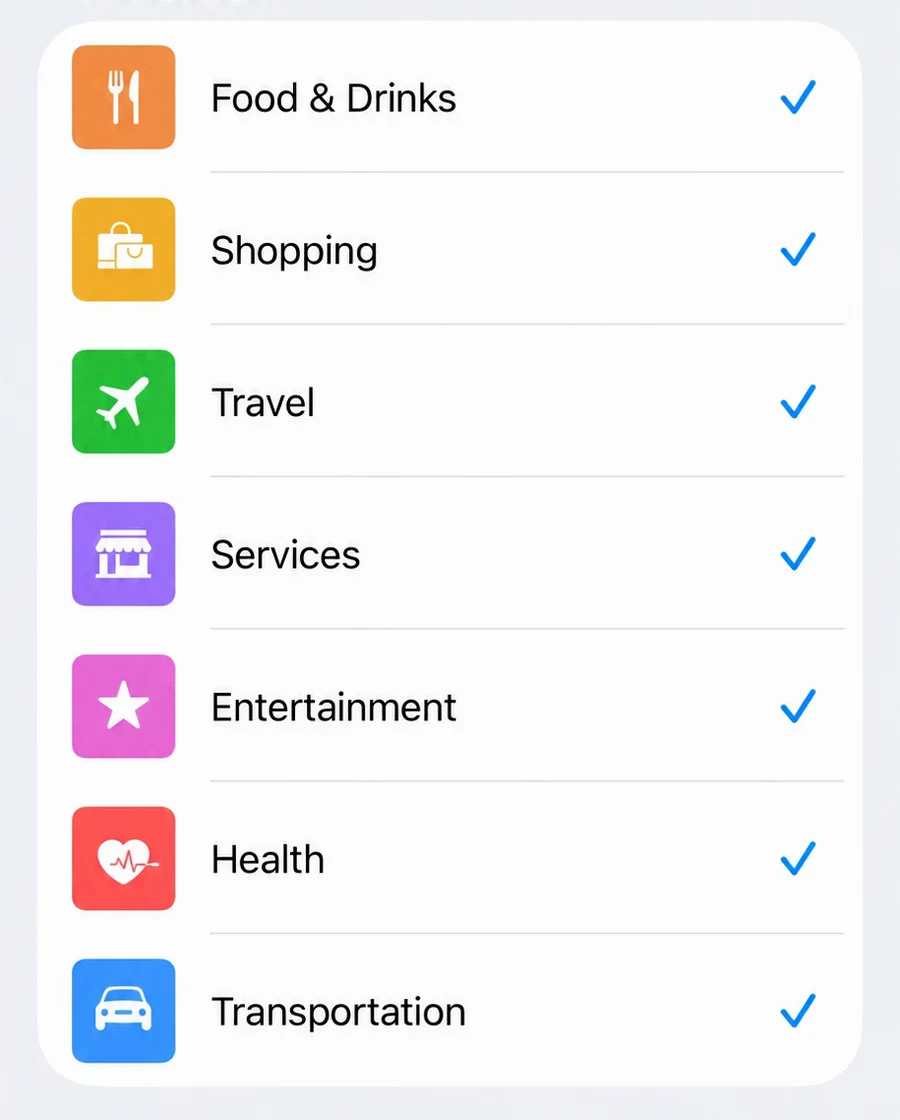
Keep all seven transaction categories
Make sure all seven categories have a blue tick.
- 04
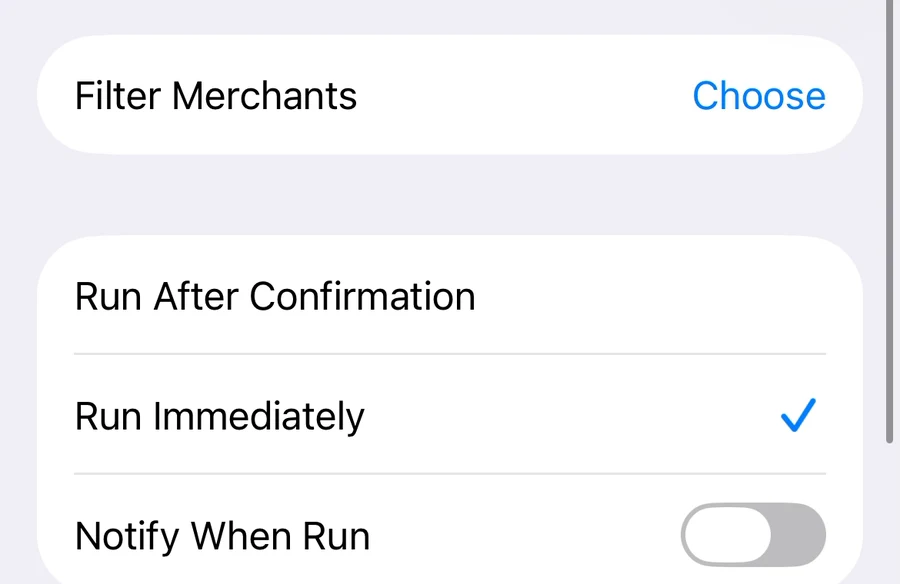
Run immediately
Choose Run Immediately and turn off run notifications.
- 05
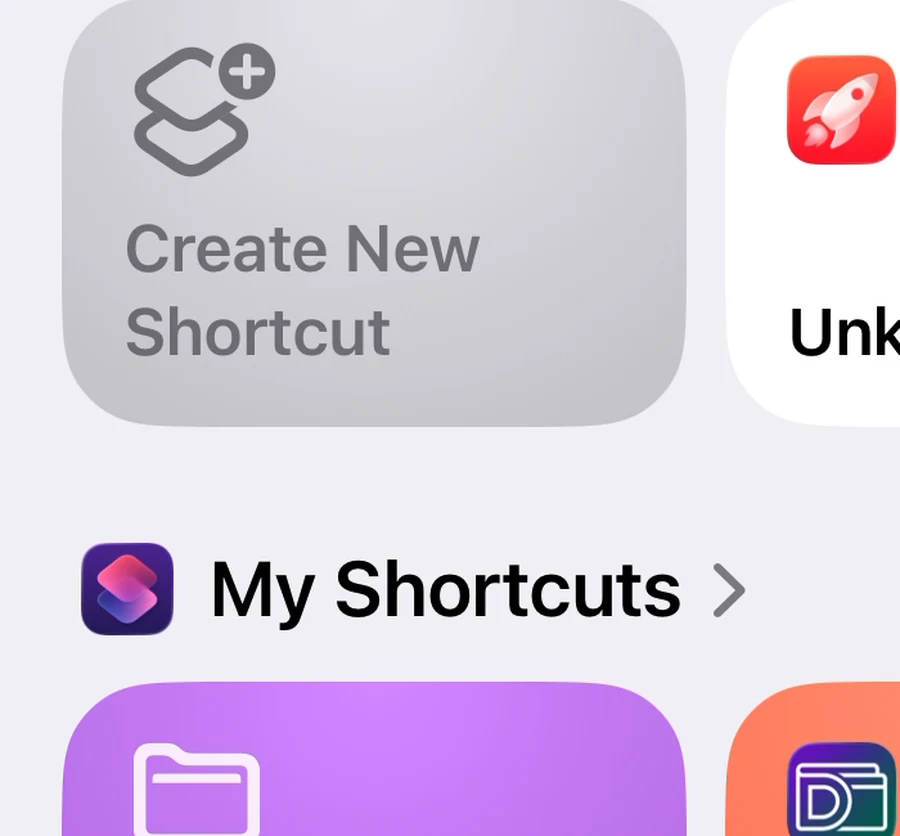
Create a new shortcut
Continue from the system screen to create a new shortcut.
- 06
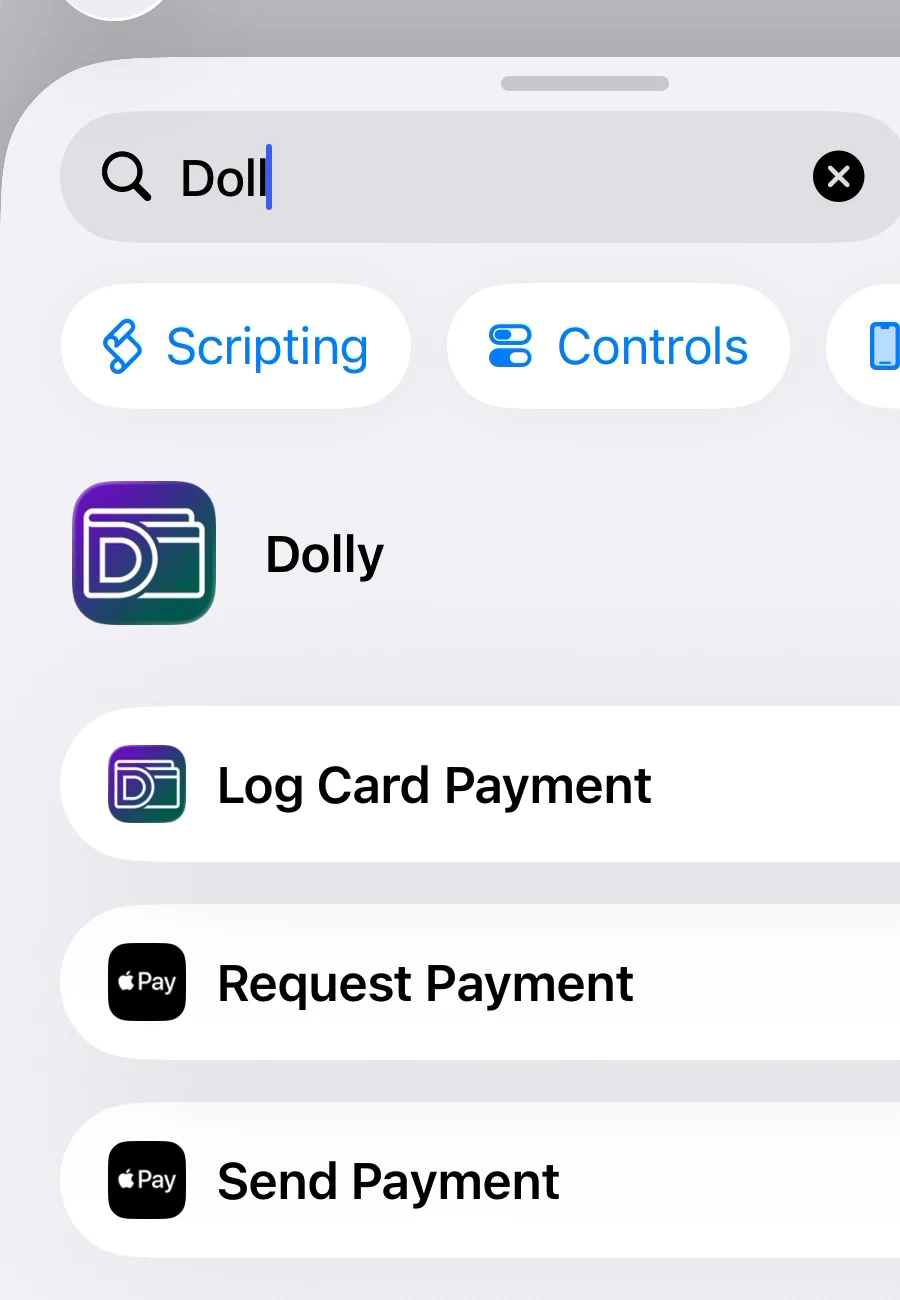
Add Dolly's action
Search for Dolly and select Log Card Payment.
- 07
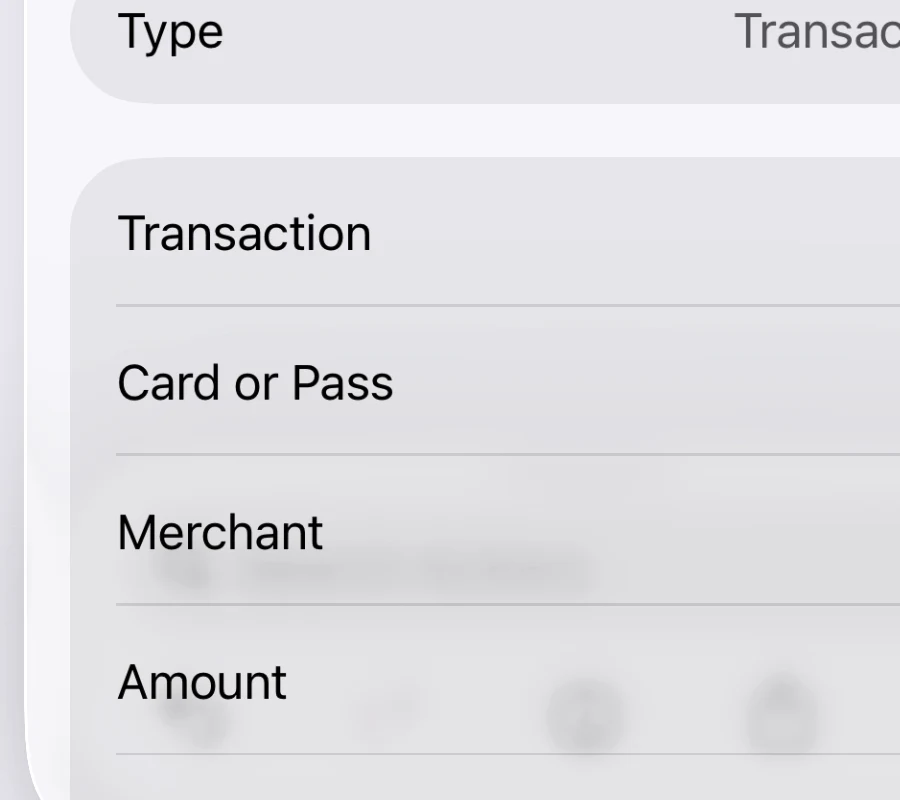
Connect the amount
Link Amount to the transaction amount from Shortcut Input.
- 08
Connect the currency code
Choose Currency Amount as the type, then select Currency Code.
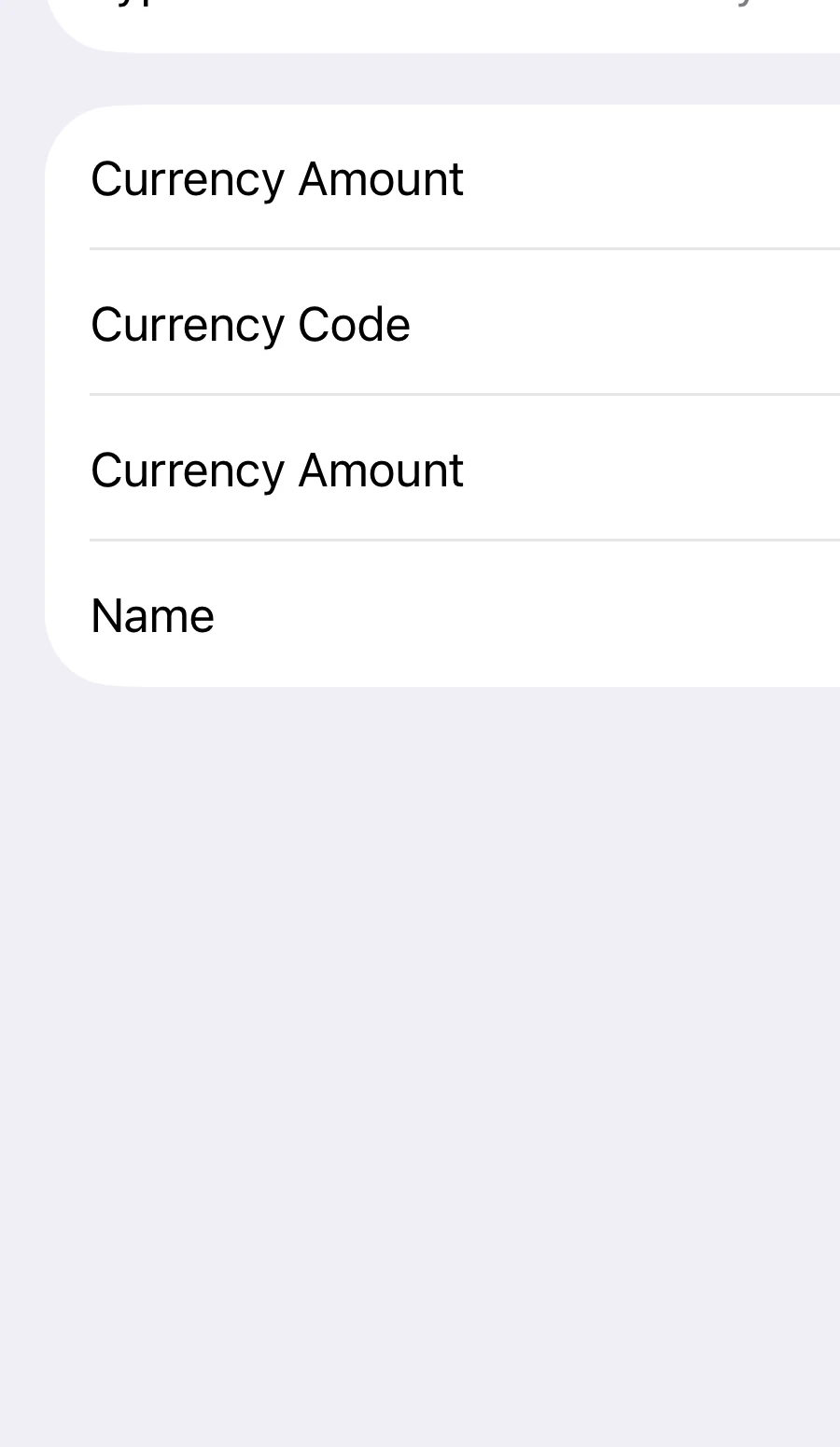
- 09
Check every field
Confirm that merchant, amount, card and currency code are all connected.
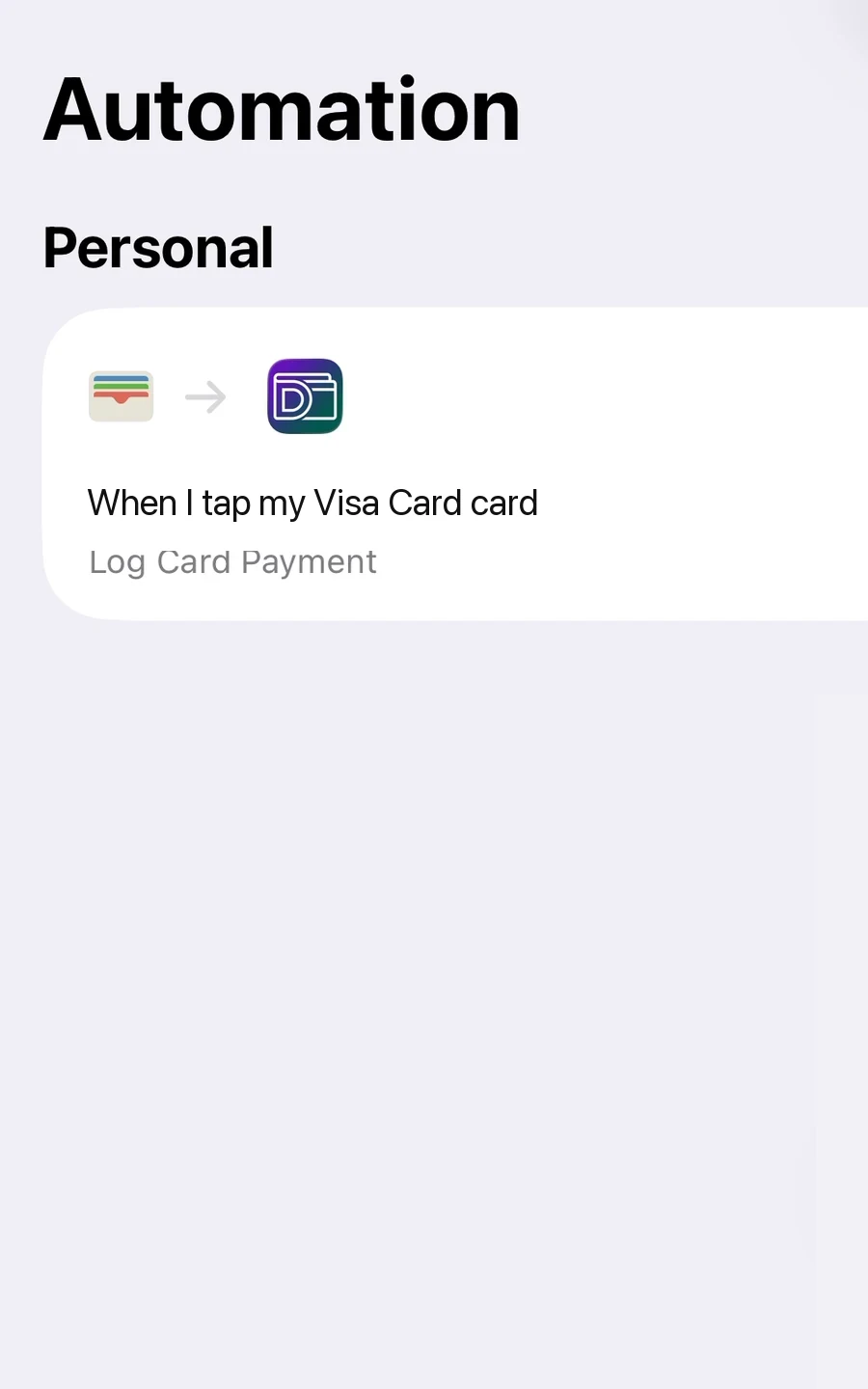
This workflow is limited to eligible in-store Apple Pay contactless payments. Transit-card, in-app, online and ineligible transactions are not captured. Apple Pay records are logged automatically; you can edit or delete them at any time.
Know where this feature fits best.
Works well for
- Eligible in-store Apple Pay contactless payments
- An iPhone with the Dolly Shortcut configured
- Records can be edited or deleted at any time
Good to know
- In-app or online payments
- Every shop, card or Apple Pay transaction
Apple Pay expense tracking
Can an iPhone track expenses automatically?+
Dolly can reduce manual entry, but it does not post every purchase automatically. Eligible in-store Apple Pay contactless payments are logged automatically. Depending on the card's statement reconciliation setting, some payments are first saved as drafts, which aren't included in your totals.
How do I set up Apple Pay expense tracking?+
Follow the guide in Dolly to create a one-time iPhone Shortcut automation.
Does every Apple Pay payment get recorded?+
No. Only eligible in-store Apple Pay contactless payments are covered. In-app, online and ineligible transactions are not captured.
Are transit-card payments included?+
No. This workflow is for eligible in-store Apple Pay contactless payments, not transit-card taps.
Does Dolly connect to my bank?+
No. Dolly does not sign in to your bank or read your full bank transaction history.