Can I back up my expense tracker to my own iCloud?
Before replacing an iPhone, or when years of records matter, you can keep an encrypted snapshot in your own private iCloud. The password never leaves the device, and receipt images are not included.
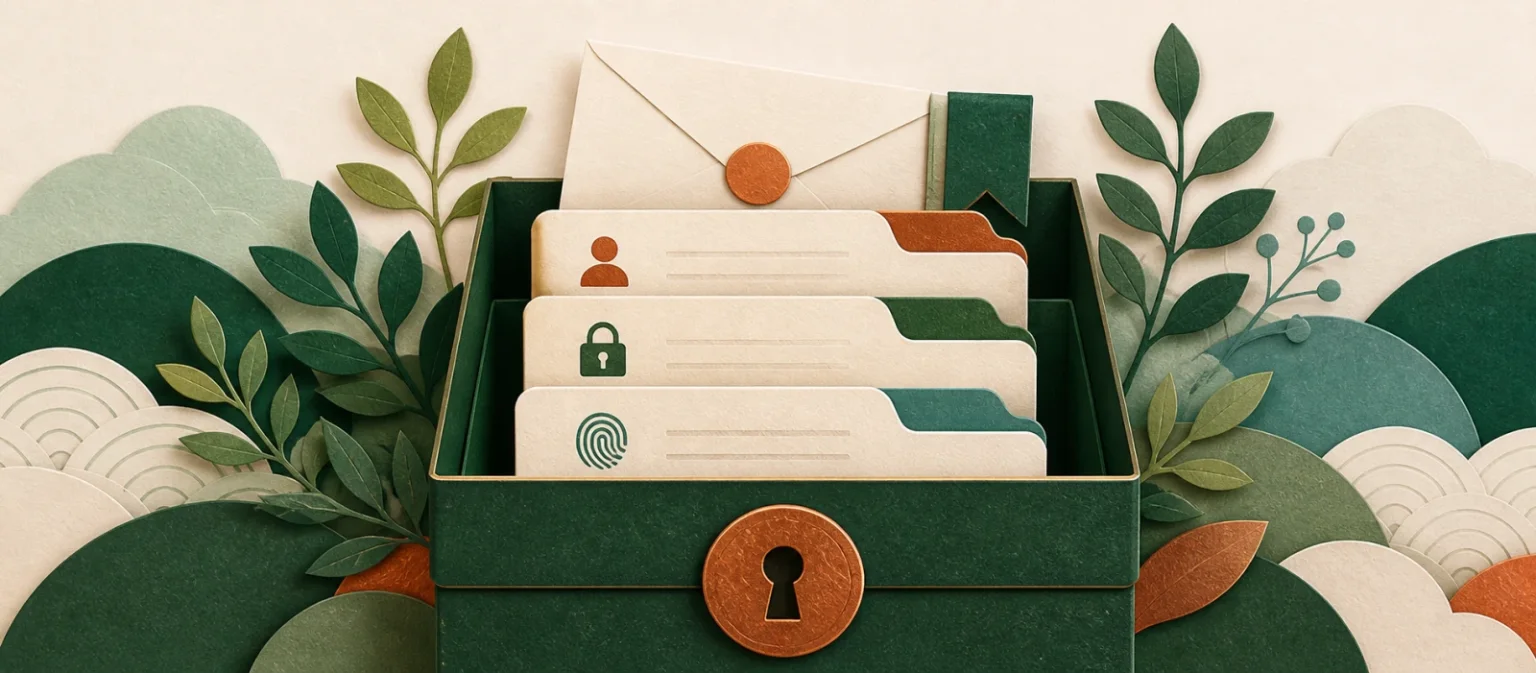
Keep another safeguard for an important ledger without creating a second copy on Dolly's servers. Dolly cannot decrypt it for you because the password never leaves your device.

The most personal numbers should stay close.
Your full ledger remains on your device. Dolly explains when a feature needs to process something elsewhere.
Every step leaves room for you to check.
- 01
Create a backup password
Use a password known only to you.
- 02
Save to your private iCloud
An encrypted ledger snapshot is stored in your own iCloud.
- 03
Restore when needed
Use the same password. Dolly cannot store or recover it for you.
Know where this feature fits best.
Works well for
- An encrypted ledger snapshot
- Your private iCloud storage
- A password that does not leave the device
Good to know
- Receipt images
- Password storage by Dolly
- A guarantee of restoration in every circumstance
iCloud backup
Does Dolly know my backup password?+
No. It never leaves your device, so Dolly cannot recover it.
Are receipt images included?+
No. Receipt images remain on the device.
Where is the backup stored?+
In your own private iCloud, not on Dolly's servers.