Can I export my expense tracker data to CSV or PDF?
Your records should travel with you when you want to organize them on a computer, keep another copy or share them with someone you trust. Dolly supports CSV and PDF export. Receipt images are not included.
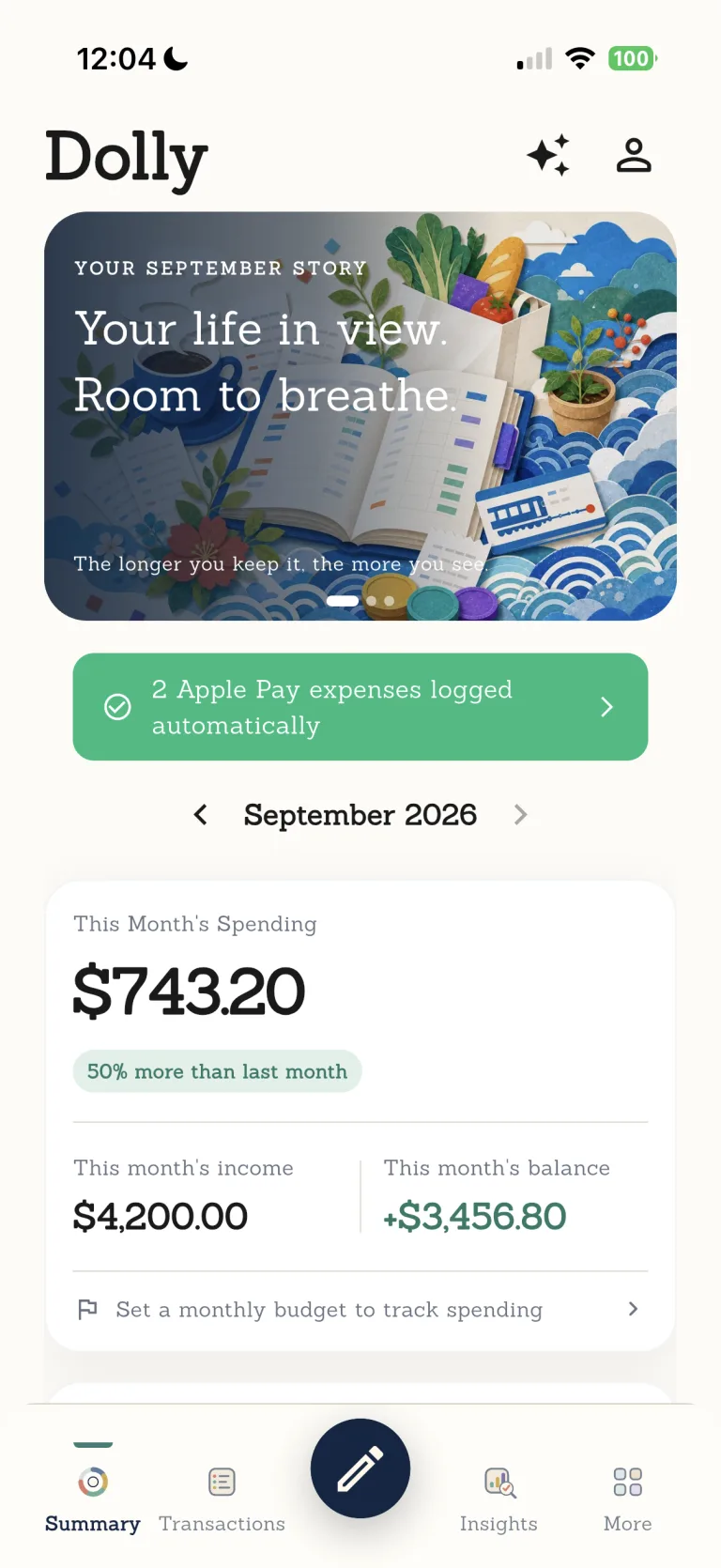

Your ledger is not locked inside one app. Export it in familiar formats and decide for yourself where the file goes next.

The most personal numbers should stay close.
Your full ledger remains on your device. Dolly explains when a feature needs to process something elsewhere.
Every step leaves room for you to check.
- 01
Choose the range
Select the ledger content available in Dolly's export options.
- 02
Choose a format
Use CSV for further organization or PDF for readable storage.
- 03
Store or share it yourself
You control the exported file.
Know where this feature fits best.
Works well for
- CSV export
- PDF export
- Files controlled by you
Good to know
- Receipt images in the export
- Automatic upload to another service
- A replacement for an official bank statement
CSV and PDF export
Are receipt images included?+
No. Receipt images are not included in exported files.
What is the difference between CSV and PDF?+
CSV suits spreadsheet work; PDF suits readable storage and sharing.
Does export require a bank connection?+
No. The export comes from your Dolly ledger.