How can spending insights show what changed in my budget?
A move, a new job or a run of takeaway dinners can all shift the shape of a month. Dolly turns aggregated ledger data into readable patterns and changes. For this analysis, Dolly sends a summary prepared on your device, not your full list of transactions.
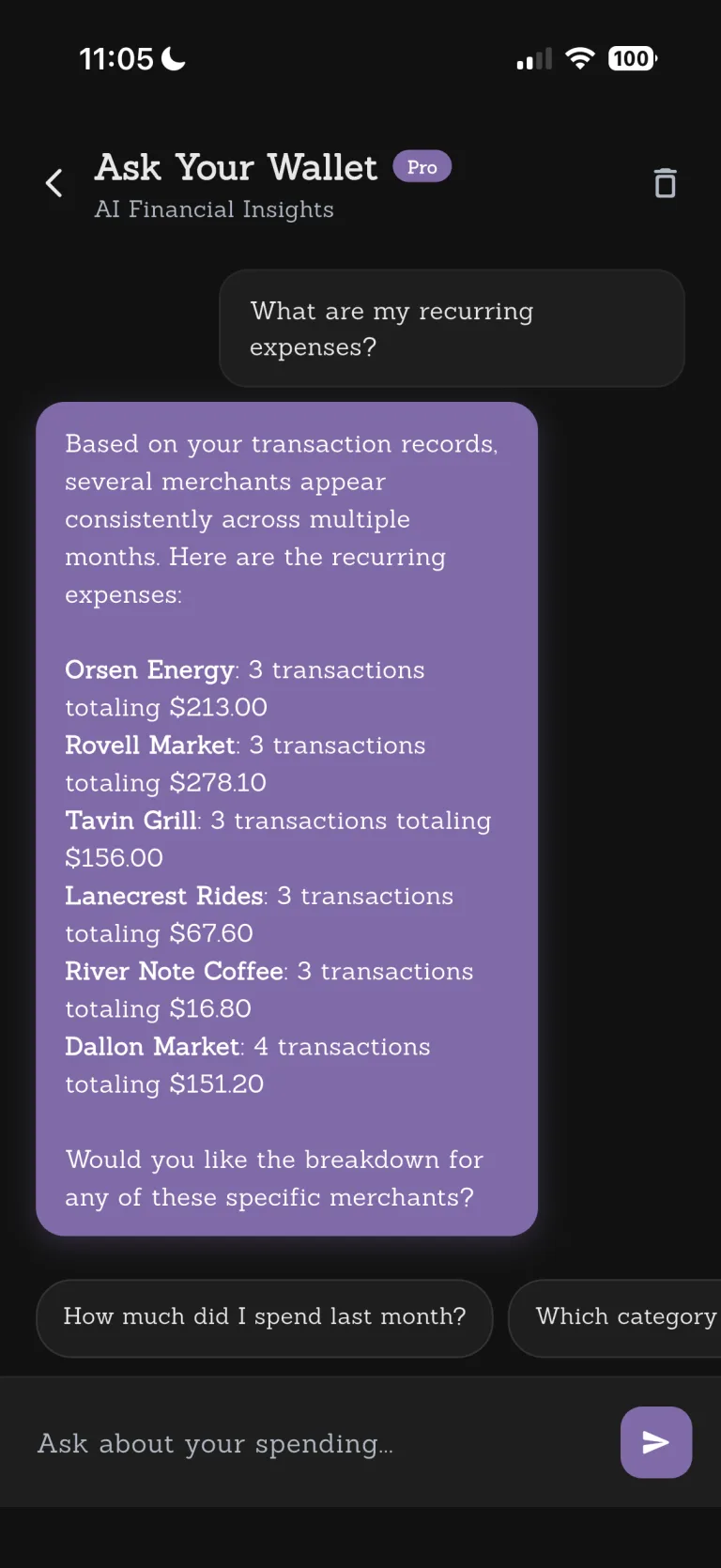

See more than a category chart. Notice what is changing without having your choices labelled good or bad, then decide what the pattern means for your life.

When the numbers are clear, the next step is yours.
Dolly organizes patterns, budgets and goals without deciding what a good life should look like for you.
Every step leaves room for you to check.
- 01
Aggregate figures on device
Dolly calculates totals, category shares, frequent merchants and larger purchases.
- 02
Organize the key points
AI turns the aggregated facts into readable observations.
- 03
Check your own ledger
Return to your records whenever you want more context.
Know where this feature fits best.
Works well for
- Aggregated spending patterns
- Monthly AI-generated insights
- Analysis based on a summary prepared on your device
Good to know
- Investment, tax or financial advice
- Guaranteed perfect analysis
- Automatic spending limits
AI spending insights
What do AI insights send?+
A summary prepared on your device: your spending total and number of transactions, your top three categories, the amount and category of your largest single transaction, and up to three recurring merchants with their visit counts and totals. Your full list of transactions is not sent.
Is this financial advice?+
No. It is information to help you understand your own spending.
Which plans include insights?+
Go and Pro include the feature with different usage allowances.